At the end of my last article, I teased that I’d be exploring OpenClaw — an open-source tool I’ve been experimenting with for a few months. It’s not a coding assistant like Claude Code, and it’s not a methodology like BMAD. It’s something different: a personal AI agent that lives on your own infrastructure, remembers you across sessions, and runs through Telegram. Here’s what I’ve learned.
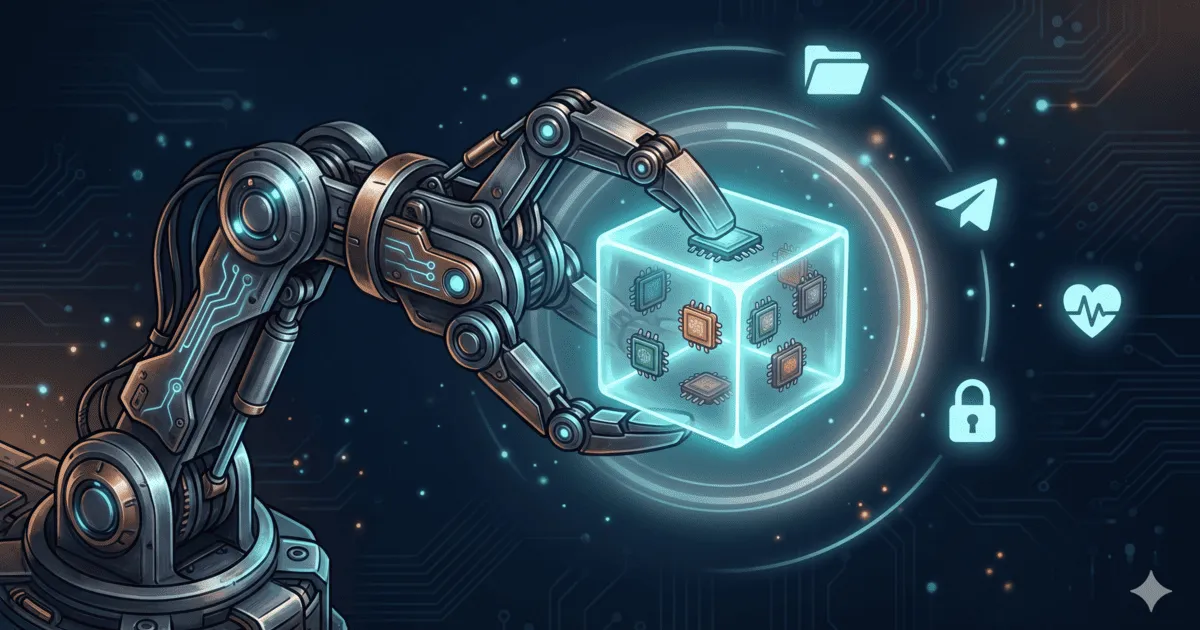 AI-generated image via Google Nano Banana 2
Table of contents
Open Table of contents
What is OpenClaw?
OpenClaw is an open-source framework for running your own personal AI agent. Think of it as a shell around a large language model — a shell that gives the model memory, personality, tools, and a front door — all under your control.
The pitch is simple: most of us interact with AI through someone else’s product. ChatGPT, Claude.ai, Gemini — they’re great, but the agent is theirs, the memory is theirs, the rules are theirs. OpenClaw flips that around. You run it. You decide what it remembers. You pick the brain. You grant it permissions. And when you want to change something fundamental about how it behaves, you edit a file.
It’s not trying to be the smartest agent. It’s trying to be your agent.
How it works
At a high level, OpenClaw sits between a messaging gateway (Telegram, in my setup) and a language model. When you send it a message, it:
- Loads your MEMORY — the persistent state it keeps about you and previous conversations
- Loads its SOUL — the personality and rules that define how it should behave
- Passes your message to the brain — whichever LLM you’ve plugged in
- Uses its skills — descriptions of capabilities the agent knows how to use to act in the real world
- Writes back anything new it learned, and replies
That loop is the whole idea. The model itself is interchangeable. The context around it is what makes OpenClaw yours.
What makes it different
There are plenty of AI chatbots. What makes OpenClaw feel different, in my experience, is the separation between the brain and the architecture.
MEMORY: a persistent workspace, not a context window
Most AI chats start fresh every time. Some offer a “memory” feature, but you’re renting space in someone else’s database. OpenClaw gives you a personal workspace — a directory of files the agent can read and write.
It remembers:
- Who you are and what you’re working on
- Decisions you made last week
- Preferences you expressed months ago
- Notes it took during a previous conversation
And because it’s just files on your disk, you can read them, edit them, back them up, or wipe them. The memory isn’t a black box — it’s a folder.
SOUL: the personality that doesn’t change when the model does
The SOUL is the part of OpenClaw that defines how it should behave — its tone, its priorities, the way it should handle ambiguity, the things it should refuse, the things it should push back on. It’s a structured prompt, carefully layered, loaded on every turn.
The SOUL is separate from the brain, which means the agent feels the same whether you plug in Claude, GPT, or a local Llama.
Swap the brain, keep the agent
This is the single most useful feature for me. Models change. Prices change. A new frontier model drops every few months. With OpenClaw, switching models is a config change — not a rewrite of your entire setup.
You can also route by task: the cheap fast model for small talk, the heavyweight reasoning model for tricky problems, a local model for anything sensitive. The architecture is the constant. The intelligence is the variable.
Security: the part nobody talks about enough
I’m going to be direct here, because this is the topic I see ignored the most when people talk about personal AI agents.
Do not give your AI agent your main credentials.
It’s tempting. You want it to read your calendar, send emails, post to Slack — so you hand over your account. Don’t. An agent that hallucinates the wrong command with full access to your account is a fast way to lose data or embarrass yourself.
What I do instead:
- Dedicated accounts per integration. A Google account just for the agent, a Slack user just for the agent, a database user just for the agent. No SSO overlap with my personal identity.
- Least privilege, always. The agent’s accounts have exactly the scopes it needs and nothing more. No admin rights. No delete permissions on anything it shouldn’t delete.
- Read-only by default. If a skill doesn’t strictly need write access, it doesn’t get it. Writes are opt-in, per skill.
- Isolated network context. The agent runs in its own environment, not on my laptop. If it’s compromised, the blast radius is bounded.
- Logging everything. Every skill invocation is logged. If the agent does something I didn’t expect, I want to know.
None of this is OpenClaw-specific — it’s just basic hygiene for any autonomous agent. And it matters even more here, because skills aren’t a hard sandbox: they describe capabilities the agent knows how to use, but they don’t fence in what it could attempt. The real boundaries are the ones you set outside the agent — scoped accounts, limited permissions, isolated environments. Skills tell the agent what it’s good at; your infrastructure decides what it’s allowed to touch.
Telegram as the gateway
OpenClaw can run behind any messaging front-end, but I’ve settled on Telegram, and I think it’s the right default for most people.
Why Telegram?
- It’s already on your phone. No new app, no new habit. You talk to the agent the same way you talk to anyone else.
- Bots are first-class citizens. Telegram’s bot API is mature, well-documented, and free for this kind of use.
- Voice, photos, files, location — all native. The agent can accept any of them without custom work on your end.
- Group chats. You can drop the agent into a shared chat with family or colleagues, and it behaves like any other participant.
- Access control that actually matters. Your OpenClaw instance can refuse anything outside your allowed chat IDs.
Skills and the CLI
Skills are how OpenClaw does things. Each skill is a small, self-contained capability — “search my notes,” “add to my calendar,” “query my database,” “call this internal API.” You write a skill once, declare what it needs, and the agent can invoke it whenever it’s useful.
This is the same idea as tool use in raw LLM APIs, but with real ergonomics:
- Skills are files in your repo. You edit them in your editor, commit them in git, review them in PRs.
- Skills are descriptive, not restrictive. Each one documents inputs, outputs, and how to use the underlying capability — they guide the agent toward known-good patterns rather than fencing it in.
- Skills are composable. The agent can chain them together to accomplish something multi-step.
There’s also a CLI for everything that doesn’t belong in a chat — bootstrapping a new instance, inspecting the memory, running skills manually, replaying a conversation, debugging a weird response. I use the CLI mostly for administration; Telegram for day-to-day interaction.
The combination is powerful: humans chat through Telegram, I administrate through the CLI, and the agent’s behavior is defined entirely by files on disk.
Cron and heartbeat: when the agent acts on its own
Most chat agents are strictly reactive — they do nothing until you speak to them. OpenClaw goes a step further: it can initiate. Two mechanisms make this possible, and together they turn the agent from a tool you query into something closer to an assistant that pays attention.
Cron: scheduled tasks
The cron system lets the agent run skills on a schedule. Same idea as Unix cron, but the job isn’t a shell command — it’s a full agent turn, with MEMORY and SOUL loaded. I use it for a morning briefing, an end-of-day review, and a weekly summary. Because each job is a real agent turn, it can use skills, write to memory, and adapt — a plain cron script would just run the same thing every time.
Heartbeat: the proactive check-in
Heartbeat is the subtler mechanism. It’s a recurring self-wake-up — the agent fires on its own, reviews its memory, and decides whether anything is worth doing. Most of the time, nothing is. But sometimes it notices a deadline I flagged last week, or an open thread (“I’ll check this on Monday”) and follows up on its own.
The difference with cron is crucial: cron knows when and what. Heartbeat knows when to check, but what to do is decided on the spot. That shift — from reactive to occasionally proactive — is what makes OpenClaw feel less like a chatbot and more like something paying attention in the background.
What it’s not
Worth being clear: OpenClaw isn’t a coding agent — for code I still use Claude Code. It’s not zero-effort either. Setting up a self-hosted agent with scoped accounts and skills is a weekend project, not a one-click install, and you’re on the hook for updates and patches. If you want an AI that “just works,” stick to the hosted products. If you want an AI you truly own, OpenClaw is worth the weekend.
Wrapping up
OpenClaw scratches an itch the big AI products don’t: an agent that’s actually yours, with memory you control, personality you define, a brain you can swap, and security boundaries you set. The shift has been subtle but real — I’m no longer renting intelligence from someone else’s platform.
Thanks for reading! If you have questions or want to share how you’ve set up your own personal agent, feel free to reach out via email or LinkedIn.
Next up, I’ll dig into LLM inference — how to optimize it, why the context window is both your best friend and your worst enemy, and the practical knobs that actually move latency, cost, and quality. If you’ve ever wondered why the same prompt feels snappy one day and sluggish the next, you’ll enjoy that one. See you in two weeks!